

SmartScan
Measure and visualise your extension using your phone
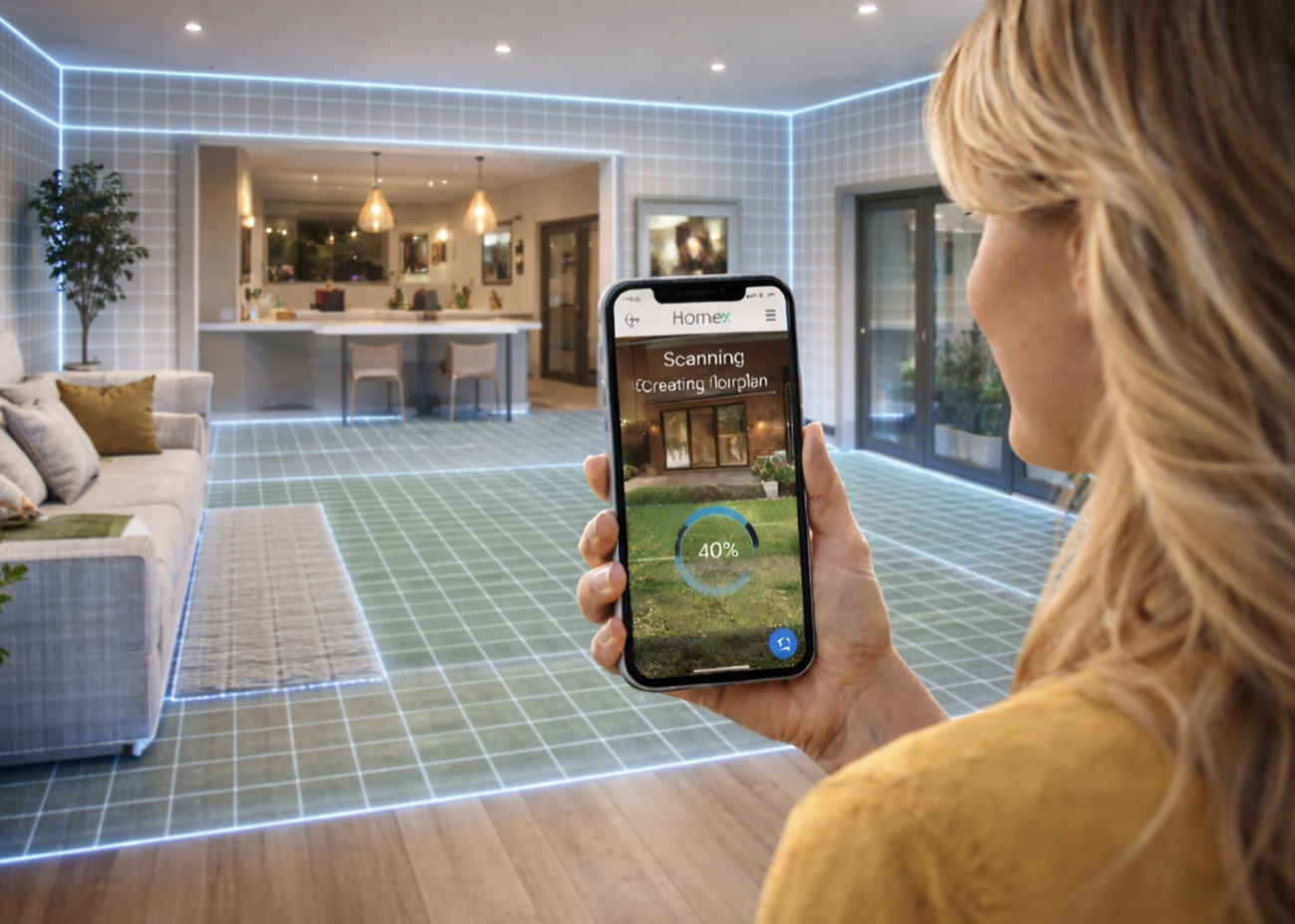
What SmartScan Does
-
Scan internal rooms
Capture room layouts quickly and easily using your phone. -
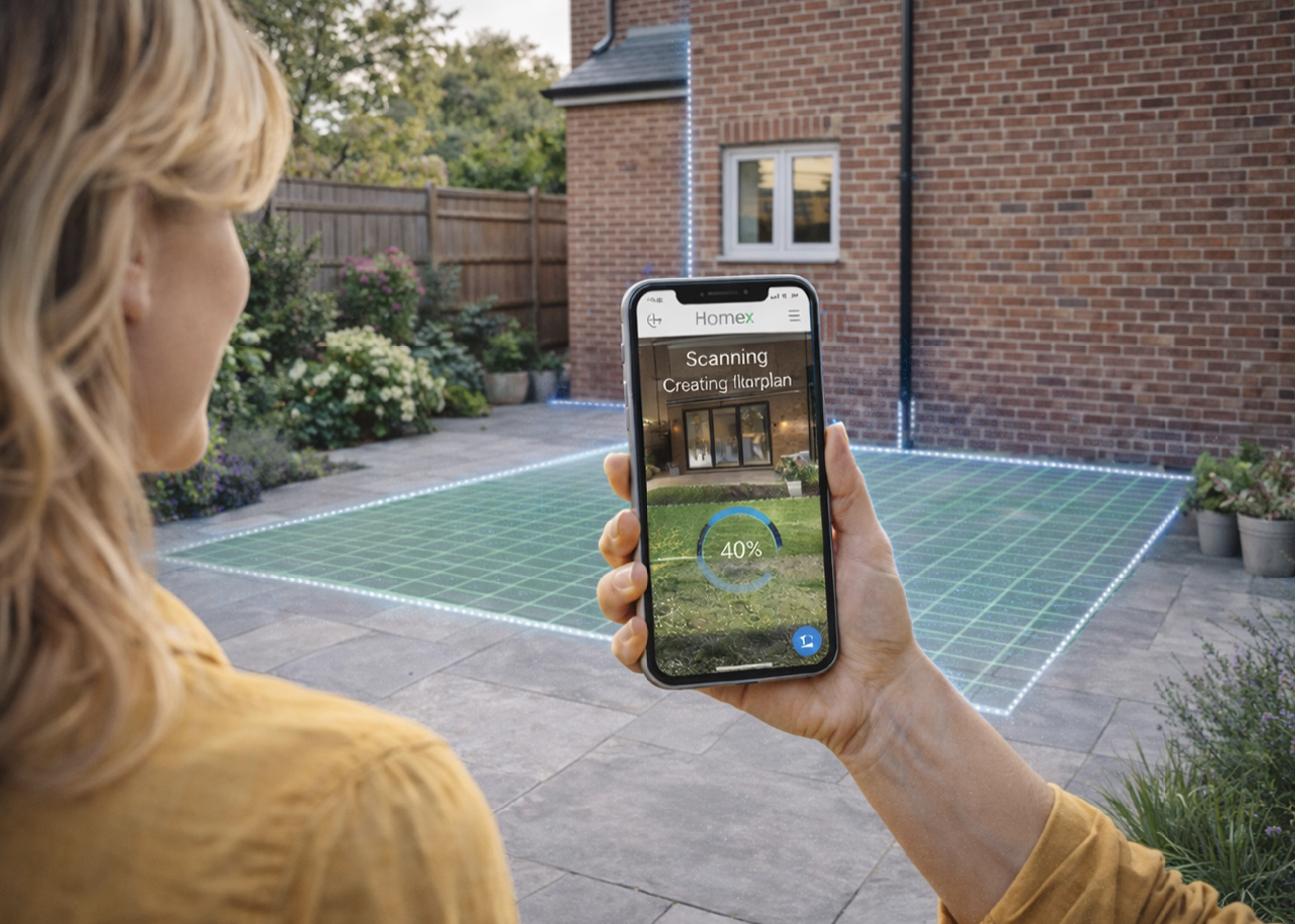
Scan the external extension area
Measure the footprint where your new extension will be built. -
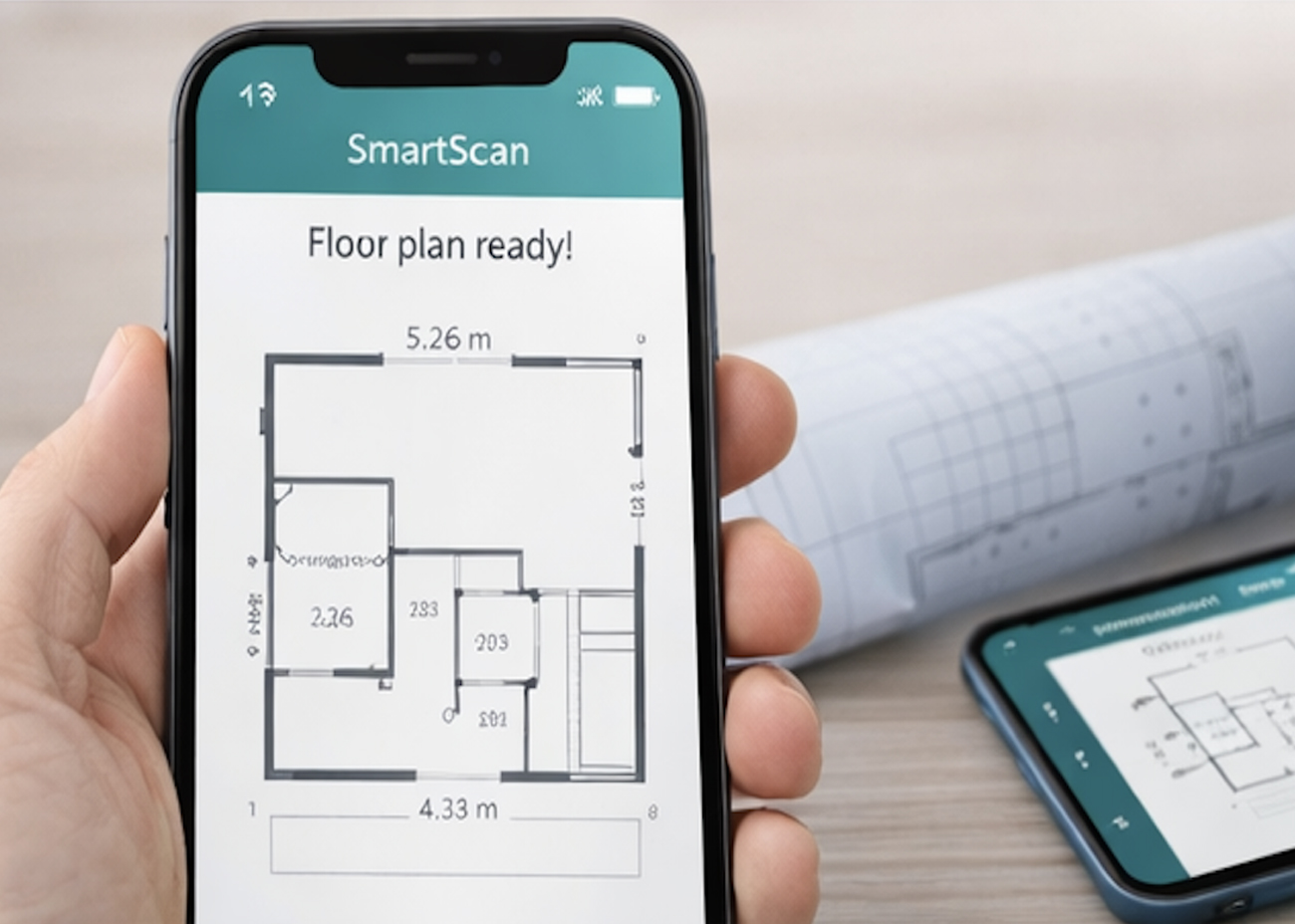
Generate floor plans
Create clear internal layouts and external footprints automatically.
How SmartScan Works
- Open SmartScan in the HomeX app
- Walk slowly around your room or external area
- Keep walls and boundaries in view
- Tap finish HomeX does the rest
- Ex guide’s through the process
No tape measures. No drawings. No technical skills required.
Why SmartScan Matters
-
Start with accuracy
Understand your available space before designing. -
Reduce guesswork
Better information leads to better early decisions. -
Save time and cost
Avoid unnecessary site visits and redraws. -
Perfect for early planning
Ideal for feasibility, layouts and cost estimates.
HomeX Helps You Scan with Confidence
Your AI assistant EX guides you as you scan, with simple, friendly prompts:
- Move slowly you’re doing great
- Keep the wall in view
- You can rescan anytime
SmartScan only takes a few minutes.
What Happens Next
After SmartScan, HomeX guides you to:
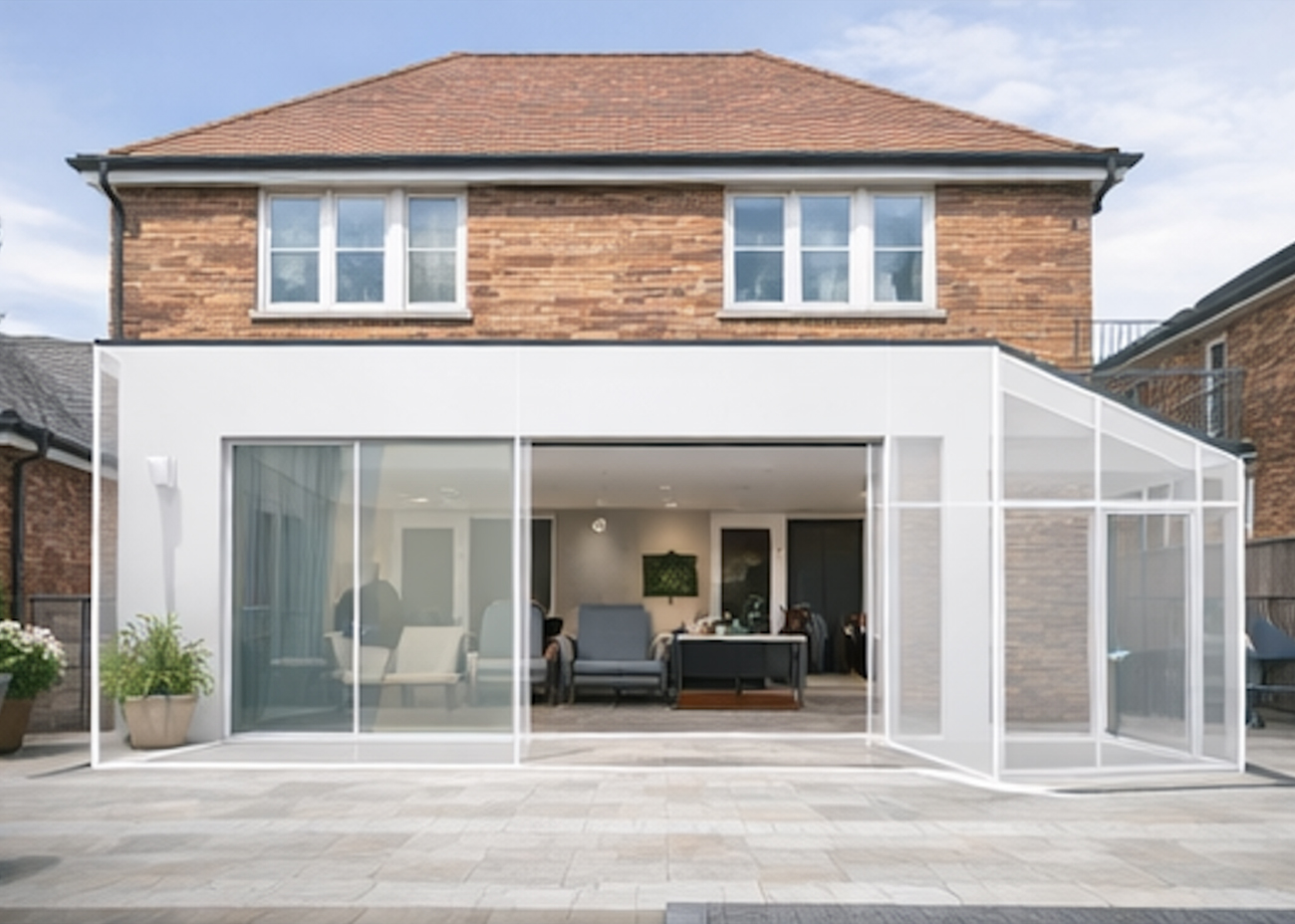
- See your extension using Instant Visuals
- Check Costs with Build Estimator
- Use Extension Valuation
- Choose your Vetted Pro’s
- Add Warranty
- Project Manager your Build
- Your Summary and Dashboard

Important to Know
SmartScan measurements are indicative and designed for early stage planning and design. Final measurements should always be verified before construction or formal submission.